Training calendar
Training management, simplified.
Manage classroom and Teams training in the same view. Registrations, waiting lists and reminders are handled automatically.
- Participants register and cancel on their own
- Waiting lists build and advance automatically
- Completions are recorded for every participant
★
★
★
★
★
4.8/5
·
144 reviews on Trustmary
Classroom and Teams in one view
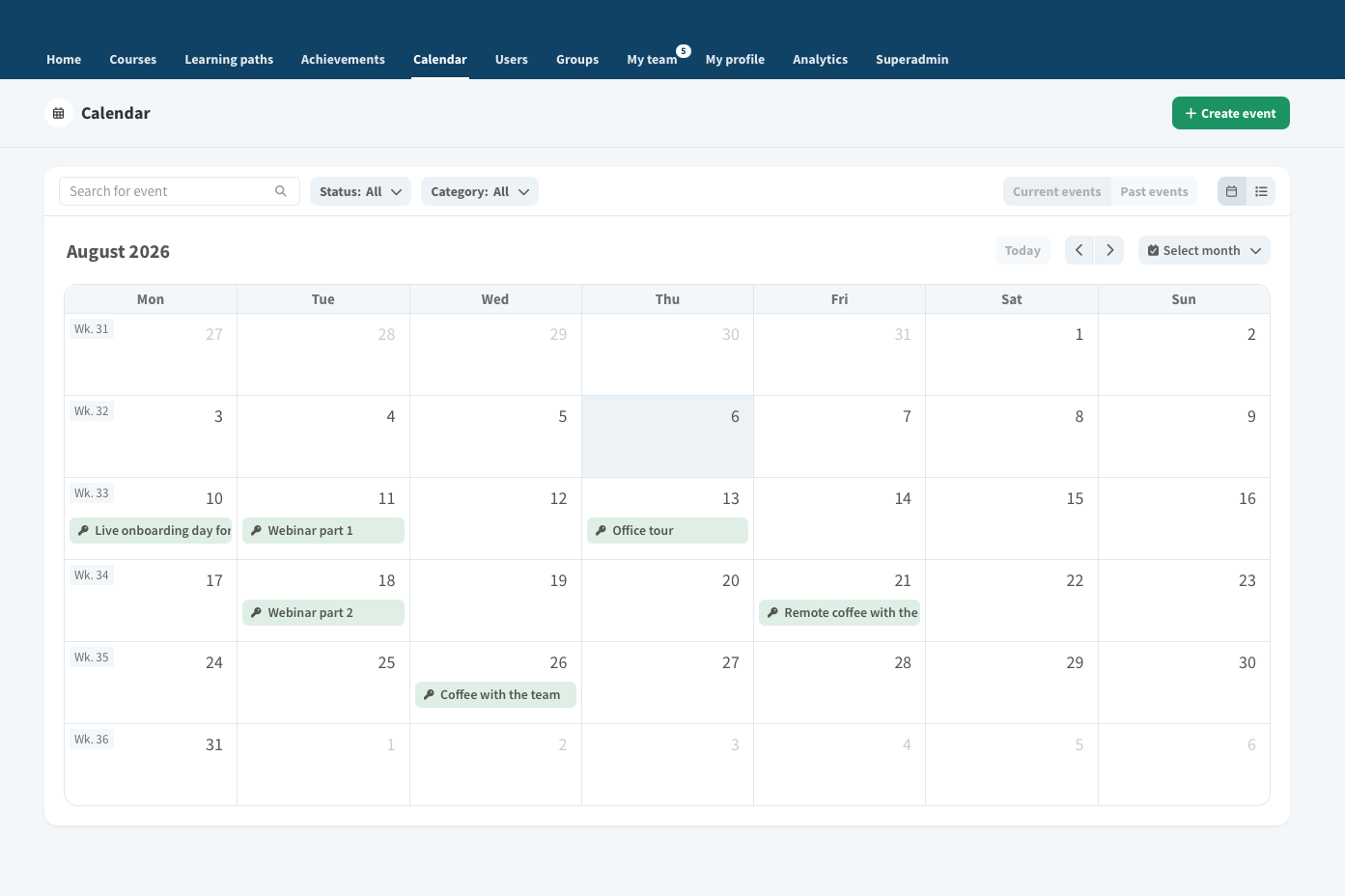
Why digital training calendar
Managing registrations by emails ends here
Every session, seat and participant in one tool – in real time.
📅
Every training session in one calendar
On-site sessions, Teams webinars and hybrids in a single view – no more parallel spreadsheets.
📝
Collect details up front
Gather everything you need from participants before the session takes place.
📍
Rooms and resources
Add the date, room, Teams link and trainer. The system limits registrations according to your settings.
👥
The waiting list updates itself
When a seat frees up, the next person is moved in automatically and gets a confirmation.
🔔
Reminders and cancellations
Automatic messages to participants, plus effortless cancellation handling.
📊
Attendance and reports
Log completions in seconds and generate certificates for everyone who attended.
How digital training calendar works
From publishing to reporting in 4 steps
01
Training lead
Publish the training
Create the session, add a location or Teams link, set the date and registration window, and pick the target audience.
02
Participant
Register from the calendar
An employee picks a suitable session, signs up and receives a confirmation by email.
03
System
Manage the waiting list
Full sessions build a waiting list that moves forward automatically as cancellations come in.
04
HR
Track and report
Attendance is confirmed, certificates are archived and the training register stays up to date.
🚀
Let the calendar handle registrations for you.
Book an online meeting to explore how you can save time in training management.