Training management, simplified.
- Participants register and cancel on their own
- Waiting lists build and advance automatically
- Completions are recorded for every participant
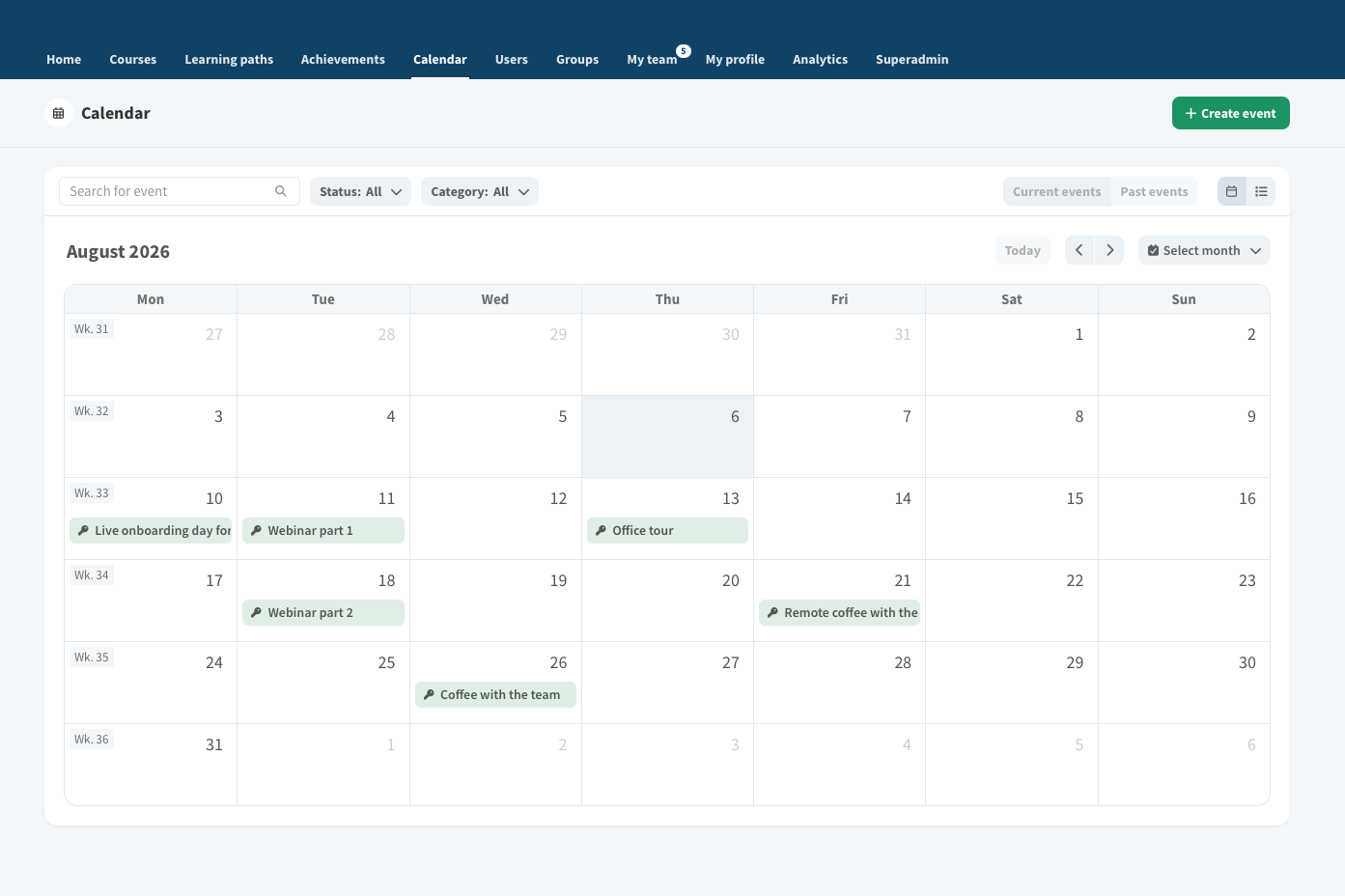
Why digital training calendar
Managing registrations by emails ends here
Every session, seat and participant in one tool – in real time.
Every training session in one calendar
On-site sessions, Teams webinars and hybrids in a single view – no more parallel spreadsheets.
Collect details up front
Gather everything you need from participants before the session takes place.
Rooms and resources
Add the date, room, Teams link and trainer. The system limits registrations according to your settings.
The waiting list updates itself
When a seat frees up, the next person is moved in automatically and gets a confirmation.
Reminders and cancellations
Automatic messages to participants, plus effortless cancellation handling.
Attendance and reports
Log completions in seconds and generate certificates for everyone who attended.
How digital training calendar works
From publishing to reporting in 4 steps
Publish the training
Register from the calendar
Manage the waiting list
Track and report
Manage classroom and online training in one calendar
Benefits of digital training calendar transcript Full text version of the video, less than 1 min read.
With Vuolearning's Digital Training Calendar, you can manage classroom and Teams trainings in one view.
Share the event to the chosen group of users, share information about the event, and gather details from the participants.
Participants can register and cancel on their own, and the waiting lists update automatically, saving time for admins.
Let the calendar handle registrations for you.
Book an online meeting to explore how you can save time in training management.